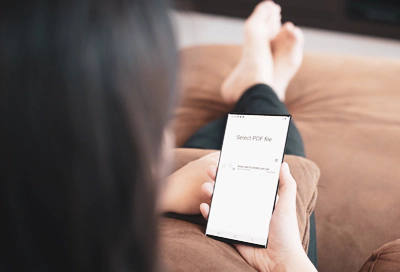
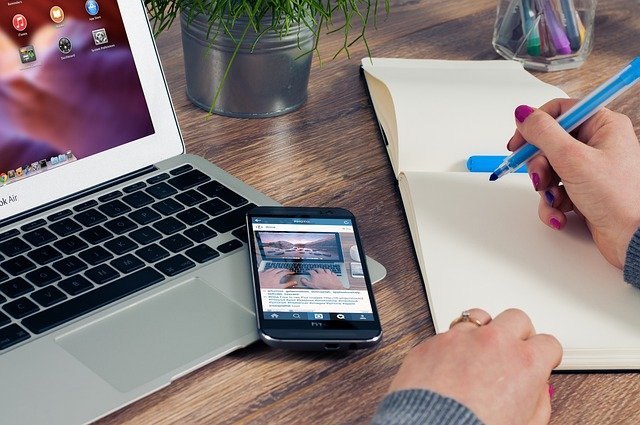
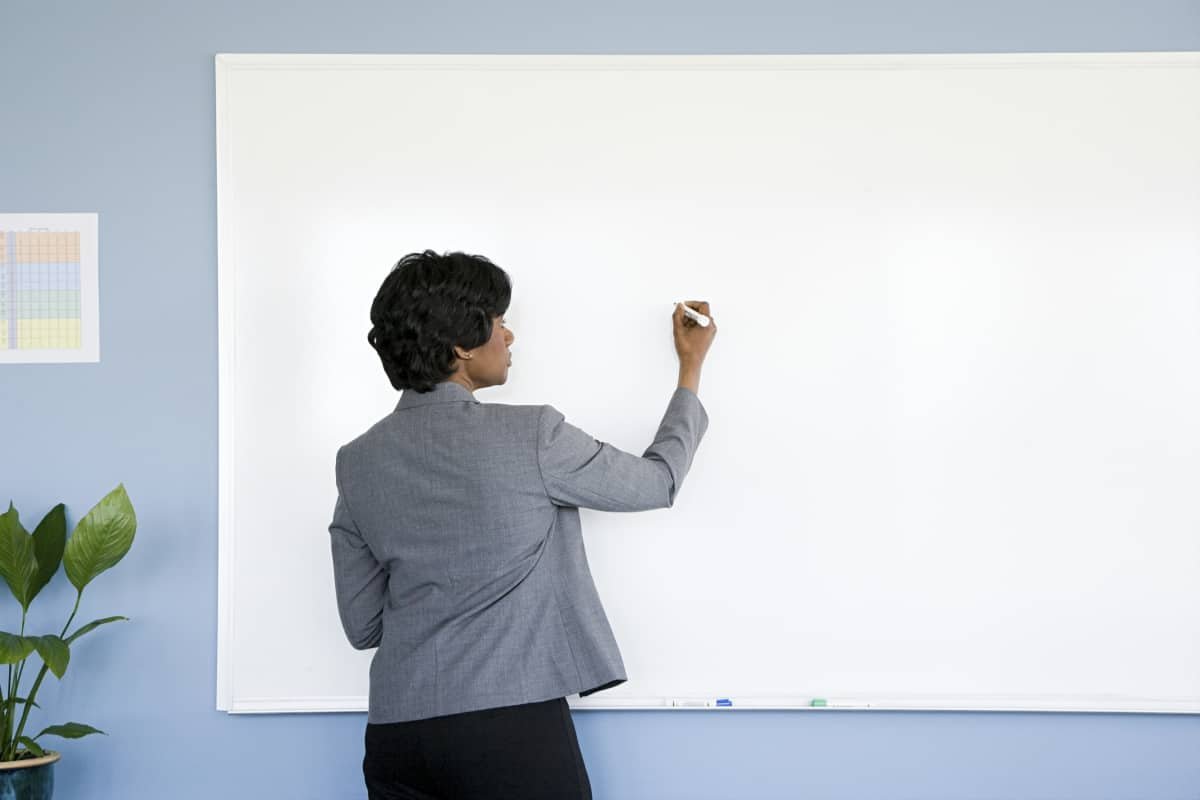
Whiteboard. Notebook. Organizer.

Take notes, annotate documents and stay organized with Dehard 2, the world’s most advanced digital note-taking app – powered by pioneering AI.

3 powerful experiences

Note

Mix all kinds of content and develop ideas in every direction on an expandable freeform digital whiteboard.

Document

Turn handwritten notes, math and diagrams into responsive, typeset professional documents.

PDF

Import existing Word, PowerPoint and PDF files as multi-page PDFs, ready to review and annotate.

DEHARD 2|Features

FEATURES

Note

Designed for visual note-taking and quick-fire data capture, the Note is an expandable canvas that frees you to focus on your ideas. The only freeform digital whiteboard to offer complete creative freedom alongside write-to-text and shape conversion.

DEHARD 2|Features

Expandable canvas

The Note is a whiteboard that grows with your content, so you never run out of space for your ideas.
DEHARD 2|Features

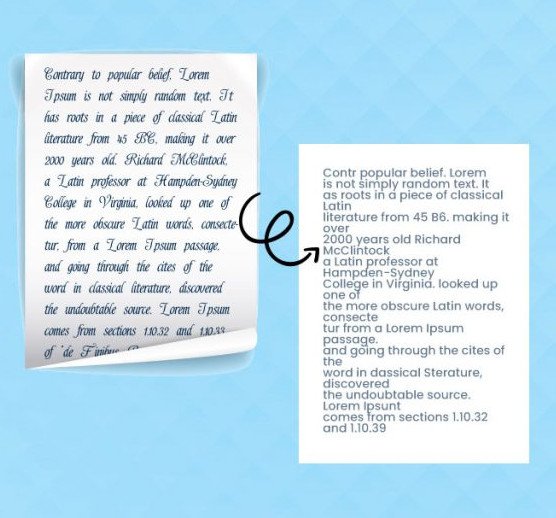
Convert handwriting to text

Write notes by hand, add lists and emoji with your pen, then convert everything to typed text, ready to share.
DEHARD 2|Features

Scratch to erase

Effortlessly delete handwriting, text, shapes and other content by scratching it out with your pen.
DEHARD 2|Features

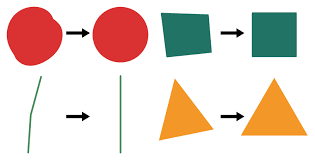
Perfect shapes

Draw shapes by hand, then hold your pen to the screen to convert them to perfect forms.
DEHARD 2|Features

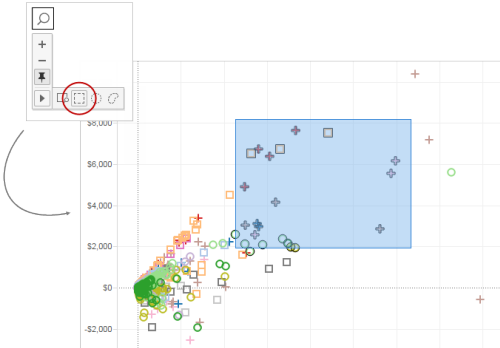
Zoom and pan

Zoom in to focus on details, zoom out for a fresh perspective on your content, and pan in any direction to create space for new ideas.

DEHARD 2|Features

Image annotation

Get visual! Illustrate and enrich your content by inserting and annotating images and photos.
DEHARD 2|Features

Page backgrounds

Choose from a range of page background colors and patterns to help categorize content or simply to suit your preference.
DEHARD 2|Features

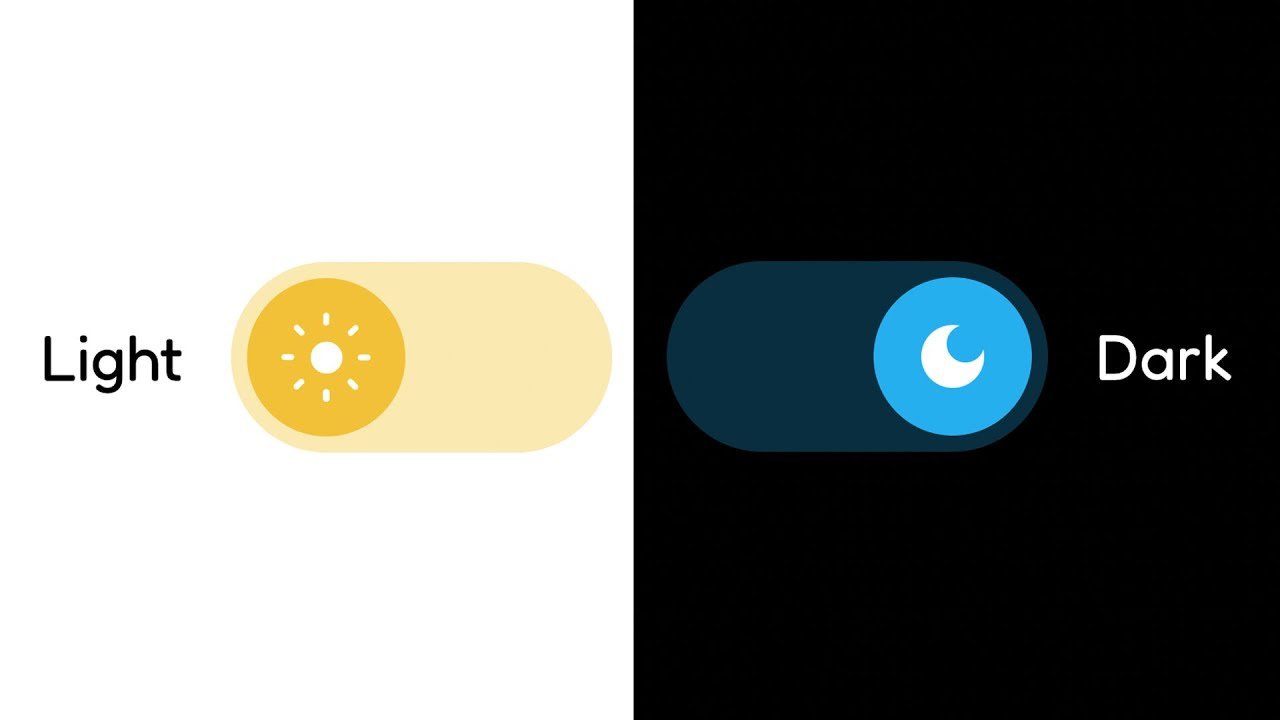
Adaptive Dark Mode

Dehard 2 supports Dark Mode, optimizing your notes for low-light viewing no matter which background or content colors you're using.

DEHARD 2|Features

Share via web link

Share content by publishing to a unique Dehard 2.app web link, with full access control. Requires a free Dehard 2 account.

FEATURES

Document

The Document helps you structure content that reflows automatically when you adjust layout or screen orientation. Jot down ideas and info, edit with easy pen gestures, add checklists, math and diagrams, then convert everything to typeset text and perfect shapes, ready to share.

DEHARD 2|Features
DEHARD 2|Features

Convert handwriting to text

Write notes by hand, add lists and emoji with your pen, then convert everything to typed text, ready to share.

DEHARD 2|Features

Use pen and keyboard

Write with your pen, type with your keyboard, or dictate – even within the same word – without breaking your flow.
DEHARD 2|Features

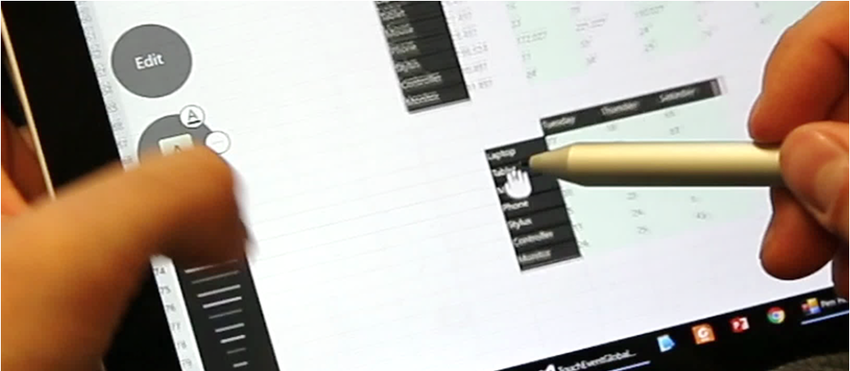
Edit with pen gestures

Forget buttons and menus: use simple pen gestures to erase content, add or remove space, and format text.
DEHARD 2|Features

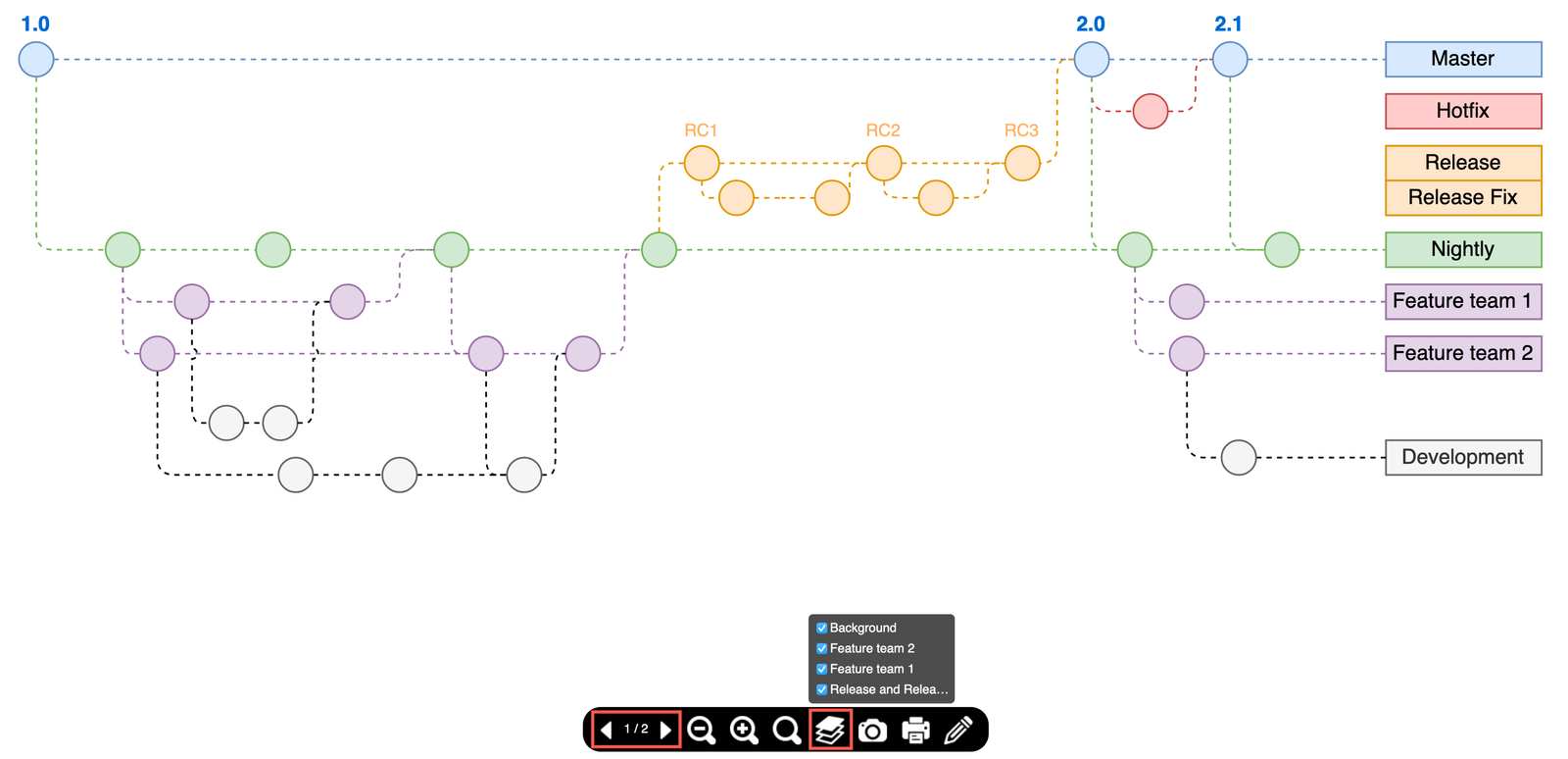
Interactive diagrams

Hand-draw diagrams, reposition elements freely, then convert to typed text and perfect shapes. Diagrams even stay editable in PowerPoint!
DEHARD 2|Features

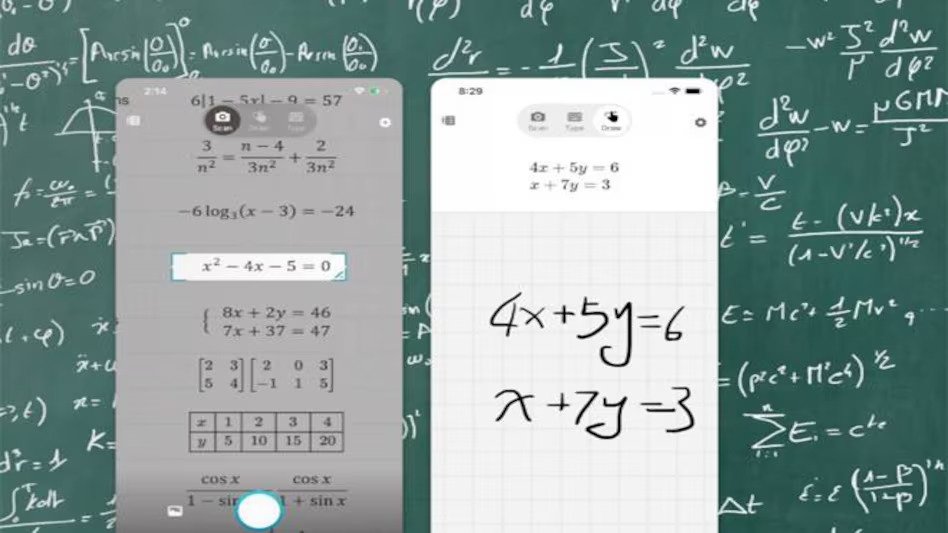
Math solver

Use Math objects to solve simple calculations and to develop equations and matrices across several lines – then copy as images or LaTeX.
DEHARD 2|Features

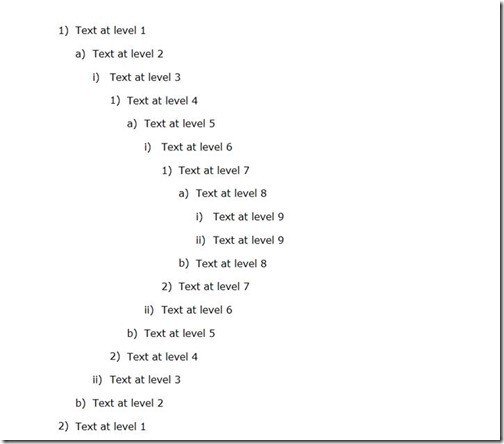
Multi-level lists

Stay on top of tasks and keep your info organized by creating checkable, bulleted and numbered lists with your pen.
DEHARD 2|Features

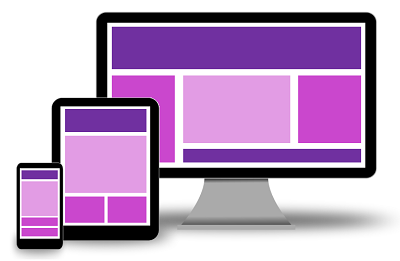
Responsive layout

Handwriting, typed text, objects and images adapt automatically to layout changes as you reorient your device or split your screen.

DEHARD 2|Features

Custom dictionary

Fine-tune Dehard 2's handwriting recognition by adding custom words and abbreviations to your personal dictionary.
DEHARD 2|Features

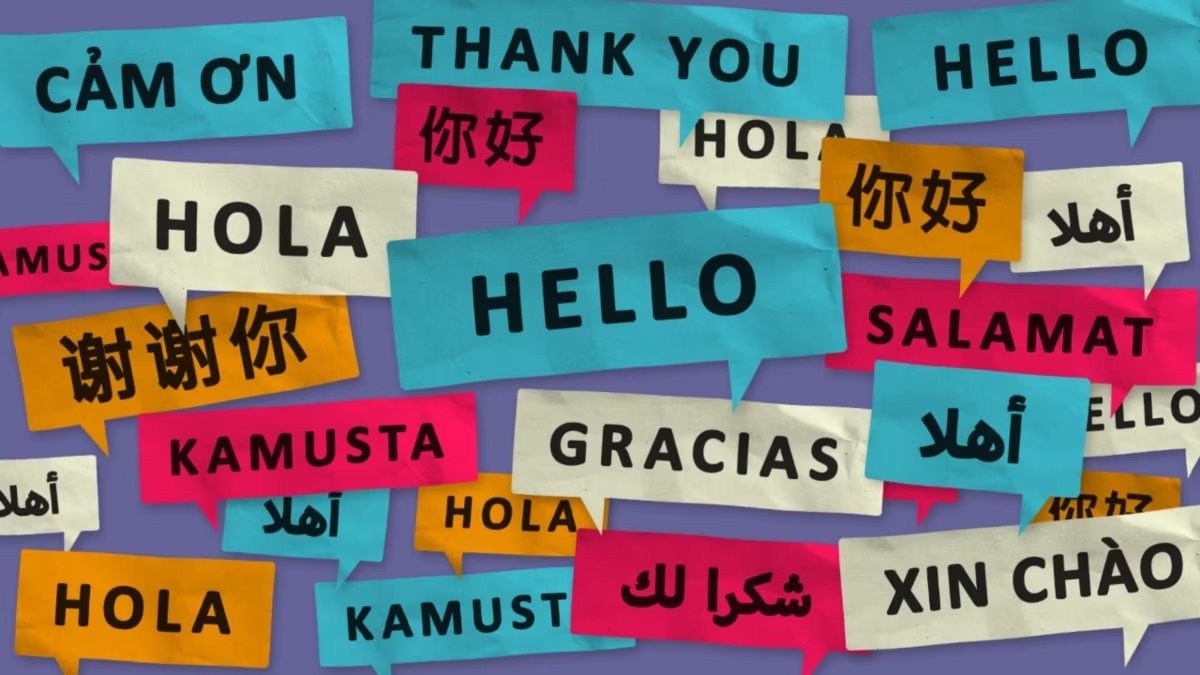
66 handwriting recognition languages

Afrikaans, Albanian, Armenian, Azeri, Basque, Belarusian, Bosnian, Bulgarian and more.
DEHARD 2|Features

FEATURES

PDF

Bring existing files into Dehard 2 as multi-page PDFs, so you can keep all your documentation in one place, perfectly organized and ready to reuse. Mark up freely with your pen and don't worry about losing track – your annotations stay editable and searchable.

DEHARD 2|Features

Import PDFs

Bring existing multi-page PDFs into your library, ready to review, annotate and reuse.
DEHARD 2|Features

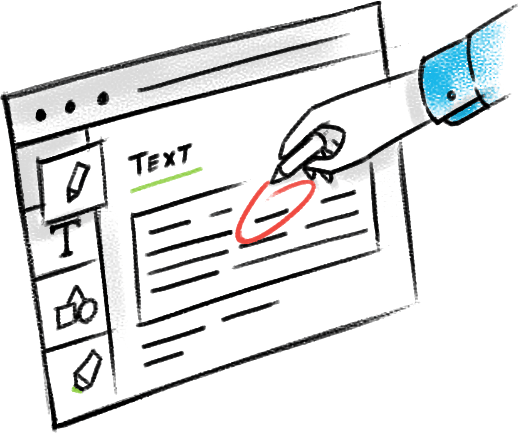
Annotate freely

Mark up imported files – highlight, draw, circle key information. When you're done, export with all your annotations in place.

DEHARD 2|Features

Global search

Search your entire library of notes, including handwritten content, diagram text and PDF annotations.

DEHARD 2|Features

Easy export

Mark up imported files – highlight, draw, circle key information. When you're done, export with all your annotations in place.

All features

The best handwriting recognition

Dehard 2 has the world’s most accurate and reliable handwriting recognition, driven by powerful, ever-evolving AI.

Cloud sync

Sync notes between devices using iCloud (iOS only), Google Drive or Dropbox. Requires a free Dehard 2 account.

Global search

Search your entire library of notes, including handwritten content, diagram text and PDF annotations.

Custom dictionary

Fine-tune Dehard 2's handwriting recognition by adding custom words and abbreviations to your personal dictionary.

Virtually no lag

Writing in Dehard 2 feels like writing on paper, but with all the flexibility and power of digital content.

Use any pen

Dehard 2 supports writing and drawing with both active and passive pens and styluses.

Pick your pen type

Enjoy more control over the look and feel of your content with a choice of pen types: felt, fountain, brush and highlighter.

Apple Silicon compatible

Dehard 2 is compatible with Apple Silicon devices, allowing you to access your library on Mac M1/M2 devices.

User interface in 11 languages

Dehard 2’s UI supports English, Simplified Chinese, Traditional Chinese, Spanish, Portuguese, Russian, Japanese, German, Korean, French, Italian.

Dehard 2 Viewer on iPhone

Install free companion app Dehard 2 Viewer to browse, search and share content from your iPhone. Requires cloud sync and a free Dehard 2 account.

Easy export

Export any page to PDF/.Dehard 2, or Notes to PNG/SVG and Documents to .docx/text. You can even export multiple pages to a single file.

Paperless organization

Quickly reorganize your library into notebooks, pages and collections using simple drag-and-drop.

Library backup

Back up your entire library of notes in one go, for maximum security and peace of mind.

Share via web link

Share content by publishing to a unique Dehard 2.app web link, with full access control. Requires a free Dehard 2 account.

Convert handwriting to text

Write notes by hand, add lists and emoji with your pen, then convert everything to typed text, ready to share.

Lasso

Use the lasso to easily select content, ready to move, manipulate, copy, resize and more.

Multi-level lists

Stay on top of tasks and keep your info organized by creating checkable, bulleted and numbered lists with your pen.

Scratch to erase

Effortlessly delete handwriting, text, shapes and other content by scratching it out with your pen.

Insider program

Join our Insider program for early access to the most exciting new features and beta trials.

Adaptive Dark Mode

Dehard 2 supports Dark Mode, optimizing your notes for low-light viewing no matter which background or content colors you're using.

Edit with pen gestures

Forget buttons and menus: use simple pen gestures to erase content, add or remove space, and format text.

Use pen and keyboard

Write with your pen, type with your keyboard, or dictate – even within the same word – without breaking your flow.

Image annotation

Get visual! Illustrate and enrich your content by inserting and annotating images and photos.

Expandable canvas

The Note is a whiteboard that grows with your content, so you never run out of space for your ideas.

Zoom and pan

Zoom in to focus on details, zoom out for a fresh perspective on your content, and pan in any direction to create space for new ideas.

Copy and paste

Copy/paste content between pages or into other apps. When pasting outside Dehard 2, handwritten content will auto-convert.

Page backgrounds

Choose from a range of page background colors and patterns to help categorize content or simply to suit your preference.

Perfect shapes

Draw shapes by hand, then hold your pen to the screen to convert them to perfect forms.

Freeform notes

Write, draw, brainstorm: the Note is your zoomable creative canvas. Content from Notes can be copied between pages and into other apps.

Alignment guides

Smart alignment guides help you to keep freeform content neat, orderly and easy to understand.

Responsive layout

Handwriting, typed text, objects and images adapt automatically to layout changes as you reorient your device or split your screen.

Sketch objects

Enrich your Documents with Sketch objects that allow you to draw and create freely.

Math solver

Use Math objects to solve simple calculations and to develop equations and matrices across several lines – then copy as images or LaTeX.

Note sections

Add Note sections to Documents to write and draw freely, then copy your content between Dehard 2 pages or into other apps.

Interactive diagrams

Hand-draw diagrams, reposition elements freely, then convert to typed text and perfect shapes. Diagrams even stay editable in PowerPoint!

Import MS Office files

Import Word documents and PowerPoint presentations as PDFs, then mark them up freely with your pen.

Import PDFs

Bring existing multi-page PDFs into your library, ready to review, annotate and reuse.

Annotate freely

Mark up imported files – highlight, draw, circle key information. When you're done, export with all your annotations in place.

66 handwriting recognition languages

Afrikaans, Albanian, Armenian, Azeri, Basque, Belarusian, Bosnian, Bulgarian, Catalan, Cebuano, Chinese Simplified, Chinese Traditional (Hong Kong), Chinese Traditional (Taiwan), Croatian, Czech, Danish, Dutch, English (Canada), English (Philippines), English (South Africa), English (United Kingdom), English (United States), Estonian, Filipino, Finnish, Flemish, French (Canada), French (France), Gaelic, Galician, Georgian, German (Austria), German (Germany), Greek, Hungarian, Icelandic, Indonesian, Italian, Japanese, Kazakh, Korean, Latvian, Lithuanian, Macedonian, Malagasy, Malay, Mongolian, Norwegian, Polish, Portuguese (Brazil), Portuguese (Portugal), Romanian, Russian, Serbian (Cyrillic), Serbian (Latin), Slovak, Slovenian, Spanish (Colombia), Spanish (Mexico), Spanish (Spain), Swahili, Swedish, Tatar, Turkish, Ukrainian, Vietnamese.

DEHARD 2 | Features